Two new updates to your Xertilox Wallet
Clara Benson
•
12 Feb 2026
•
We’ve released a new update to the Xertilox Wallet with two improvements designed to strengthen your identity and make verification easier.
1. Scan your passport using NFC
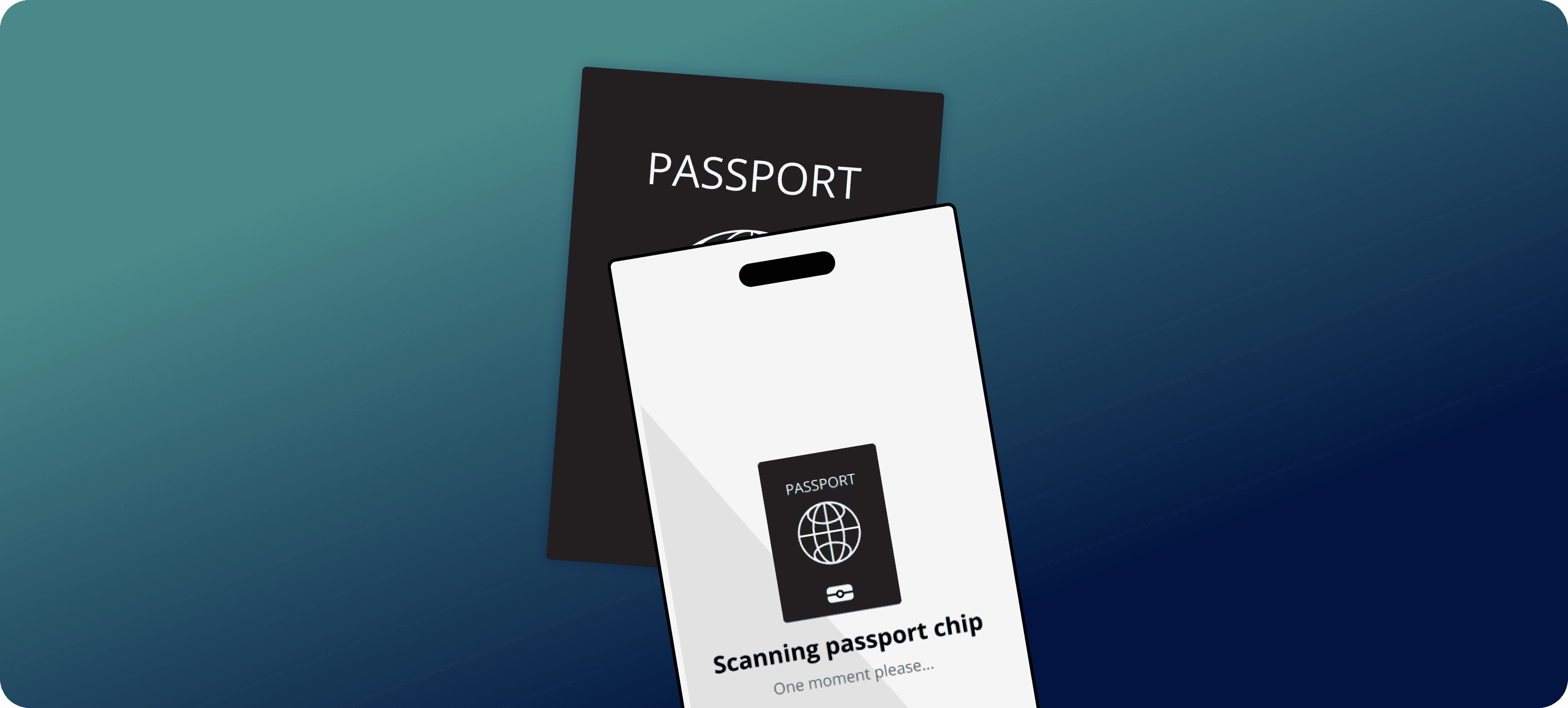
You can now scan the chip in your passport using your phone.
This allows your passport details to be read directly from the chip, providing a higher level of assurance that your document is genuine and belongs to you.
Using NFC helps strengthen your identity profile under the UK government’s GPG45 Identity Profiles framework, giving:
A higher identity confidence level
Greater credibility when you share your details
Faster acceptance by organisations
Fewer manual checks or follow-up requests
You can read more about identity strength here:
2. New secure email sign-in
We’ve introduced a new way to securely access your wallet.
Each time you log in, a unique sign-in link will be sent to your registered email address. Simply click the link to access your wallet securely.
This ensures that only someone with access to your email can sign in.
What you need to do
Update the App via Appstore or Googleplay
Open your Xertilox Wallet
Use the secure email link to sign in when prompted
If you already have a passport uploaded, please remove the existing image and re-upload your passport using the new NFC option
These steps only take a few minutes and will ensure your identity remains strong, trusted, and ready to use whenever you need it.
At Xertilox, every update is focused on making identity easier to prove and more widely trusted.
Real-Time Verification: Trust Without the Wait.
Kind regards,
The Xertilox Team